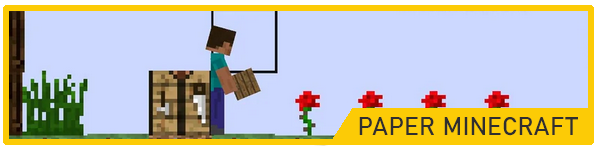
Paper Minecraft is a 2D version of Minecraft made using Scratch, and while it looks very different from the original, the gameplay is surprisingly rich. The side-scrolling perspective gives it a unique twist, but the core mechanics—gathering resources, crafting items, and surviving in the wild—are still there. There’s something charming about the pixelated graphics and the simplicity of the interface. You can choose between Steve or Alex, select survival or creative mode, and then start exploring a randomly generated world filled with caves, forests, and enemies.
To play, use the arrow keys or WASD to move and jump. Use your mouse to interact with the world—left-click to break blocks and right-click to place them. The number keys allow you to switch between tools and items in your inventory. In survival mode, keep an eye on your health and hunger bars, and be cautious of creatures like zombies and skeletons. In creative mode, you can fly around, build anything you like, and try out all the blocks and tools available. It’s a fun and approachable alternative to full 3D Minecraft, especially if you enjoy simpler controls and retro aesthetics.